
 English
 العربية
 Deutsch
 Español
 Français
 Italiano
 Português
 Русский
 Türkçe
 Tiếng Việt
Image Cropper
Crop any photo to the exact shape or aspect ratio you need.
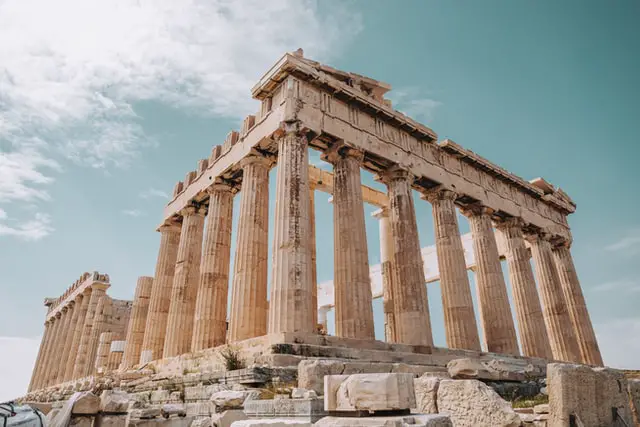




Cropping is the most underrated edit there is. Cutting away the dead space at the edges of a photo will do more for it than any filter, and it is usually the difference between a snapshot and something that looks deliberate.
Cropping versus resizing — they are not the same
Resizing keeps the whole picture and changes how many pixels it is made of. Cropping keeps the pixels and throws away the parts of the frame you do not want. They solve different problems and are often used together.
If a platform wants a square image and yours is a landscape rectangle, resizing alone will squash everyone in it. Crop to a square first, then resize to the required dimensions. That order matters.
How to crop an image
- Load your photo into the editor above.
- Drag the handles to frame the part you want to keep.
- Lock an aspect ratio if the destination requires one — 1:1, 16:9, 4:5 and so on.
- Nudge the selection until the composition feels right.
- Apply the crop and download the result.
Aspect ratios worth knowing
| Ratio | Shape | Typically used for |
|---|---|---|
| 1:1 | Square | Profile pictures, Instagram posts, product thumbnails |
| 4:5 | Tall portrait | Instagram portrait posts, which take up more of the feed |
| 16:9 | Wide landscape | YouTube thumbnails, video, presentation slides |
| 9:16 | Full portrait | Stories, Reels, TikTok and other vertical video |
| 1.91:1 | Wide banner | Open Graph and link preview images |
A few composition habits that help
- Crop tighter than feels comfortable. Most photos improve when you remove more.
- Put your subject slightly off-centre rather than dead in the middle.
- Watch the horizon — a crop is a good moment to notice it is crooked.
- Leave space in the direction someone is looking or moving.
- Crop from the largest original you have, since every crop costs you pixels.
Cropping questions
Does cropping reduce image quality?
It does not degrade the remaining pixels at all, but it does reduce the total number of them. Crop heavily into a small image and the result may be too low-resolution for print or a large display.
What aspect ratio should I use for social media?
Square (1:1) or portrait (4:5) for Instagram feed posts, 9:16 for Stories and Reels, 16:9 for YouTube thumbnails, and roughly 1.91:1 for link preview images on Facebook, LinkedIn and X.
Can I crop to exact pixel dimensions?
Yes. Set the ratio or the pixel size you need and the selection will be constrained to it, so the exported file matches the requirement precisely.
Is the original file modified?
No. You download a new cropped file and your original stays exactly as it was on your device.
Are my photos uploaded?
Yes. Your image is uploaded to our server for cropping and is not stored after processing. See our privacy policy for full details.
